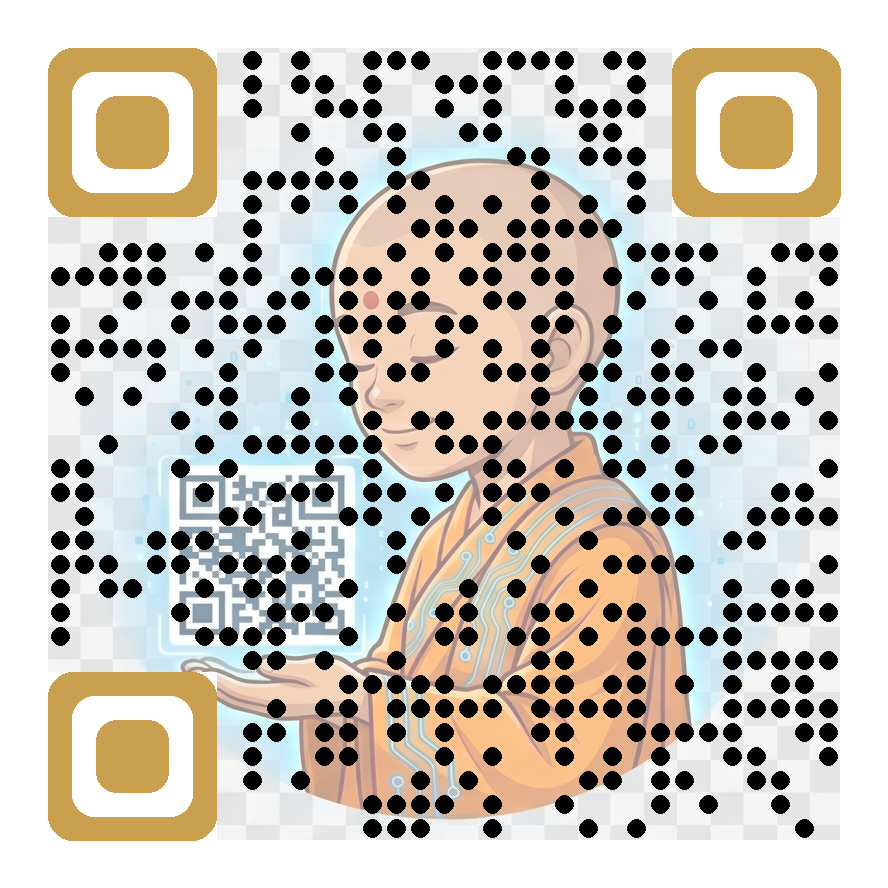
Not a background image.
Your image is the QR code.
Background image QR codes put a photo behind the dots. Magic Mosaic goes further — it renders your image using the QR dots themselves. The result is something that looks completely unlike any QR code you've ever seen.
Artistic QR codes
The dots are arranged and sized to recreate your image in full. Looks hand-made. Scans perfectly.
Any image
Upload your logo, product photo, mascot, artwork or portrait. We do the rest.
Full colour control
Choose your dot colour, eye colour and background. The mosaic adapts to your palette.
Fully scannable
Every Magic Mosaic QR code is tested to meet QR specification. Scans with any phone camera.
Dynamic
Change the destination any time without changing the code. Track every scan.
PNG & SVG export
Download print-ready files at any resolution. From business card to billboard.
Magic Mosaic QR codes — your questions answered
What is a mosaic QR code?
A mosaic QR code weaves your photo or artwork into the QR pattern itself, so the dots of the code are built from your image. It scans like any normal QR code, but looks like a piece of branded art rather than a black-and-white square.
Do mosaic QR codes actually scan reliably?
Yes. QR codes carry built-in error correction, and Magic Mosaic keeps the finder squares and data pattern within scannable contrast limits while blending your image through the dots. Always test-scan on both iPhone and Android before printing — the preview lets you scan on screen first.
What images work best for a mosaic QR code?
Clear photos with a strong subject and good contrast work best — product shots, portraits, logos on plain backgrounds. Very busy or very dark images leave less room for the pattern to stay readable, so if in doubt pick a brighter, simpler image.
Can I change where a mosaic QR code points after printing?
Yes — Magic Mosaic codes can be dynamic, so you can edit the destination URL any time from your dashboard without changing the artwork or reprinting anything, and every scan is tracked.
What formats can I download, and how big should I print it?
Download as high-resolution PNG for digital use and print. Because a mosaic code carries more visual detail than a plain code, print it a little larger than usual — at least 3cm across for close-range scanning, bigger for posters.